
All protocols found on the Discover page can be saved to your personal library for easy reference later. Saved protocols remain accessible even if the original author changes their visibility settings.
Saving a Protocol
- 1Find a protocol you want to save on the Discover page
- 2Click the Bookmark Icon on the protocol card
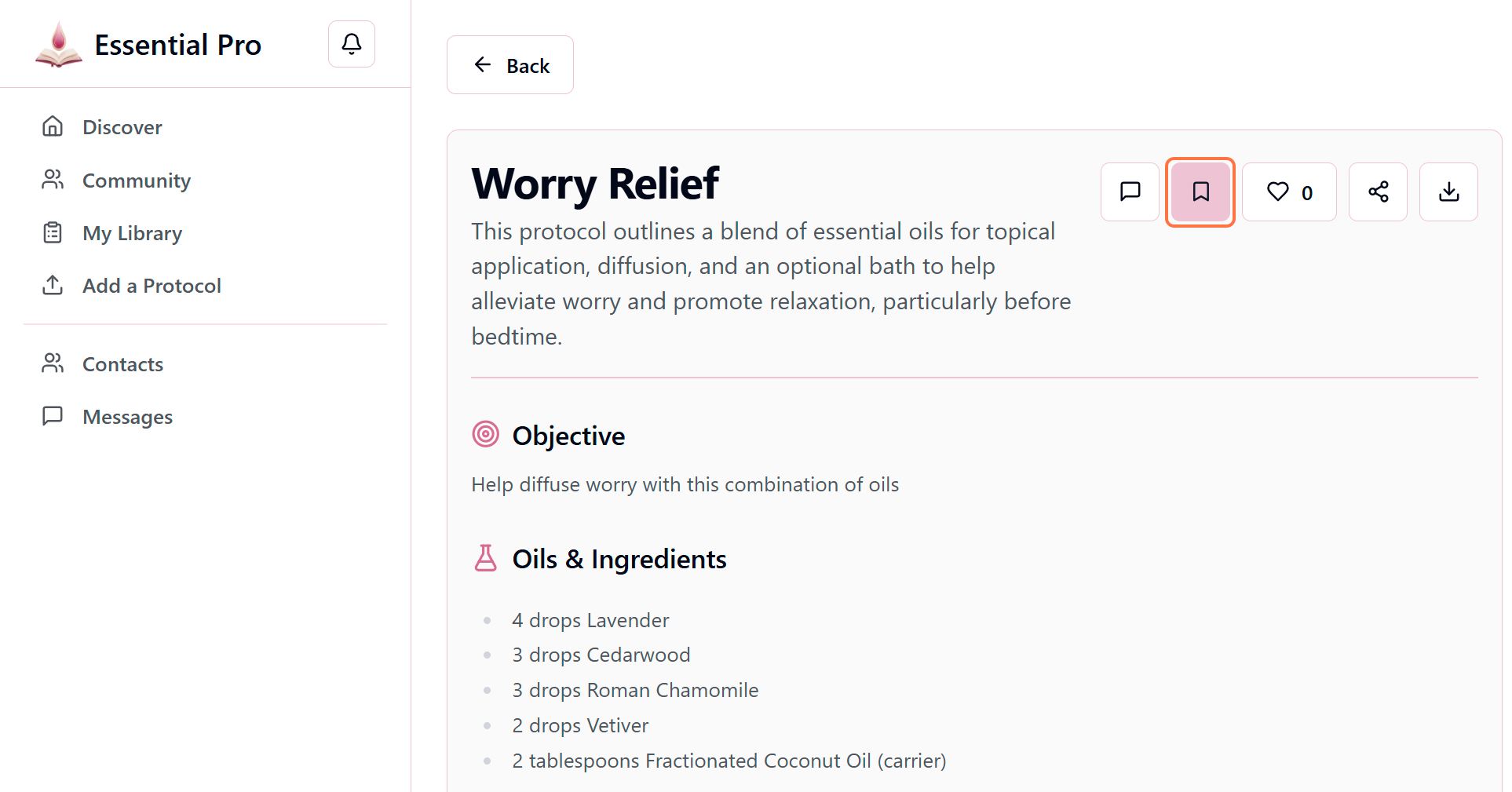
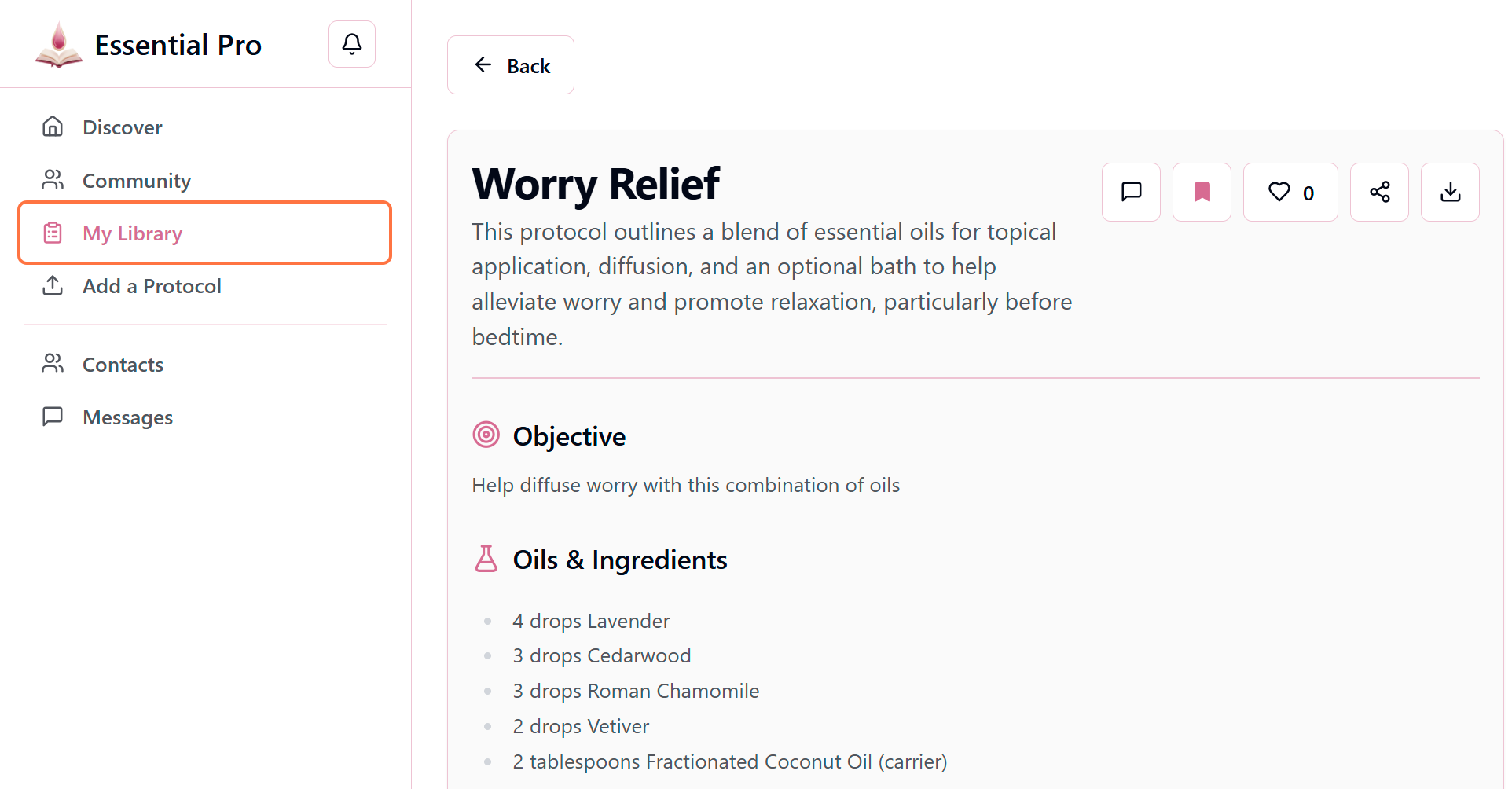
- 3The bookmark icon will fill in to show it has been saved
Viewing Your Saved Protocols
- 1Click on "My Library" from the main menu
- 2Select the "Saved Protocols" tab to view all protocols you've saved
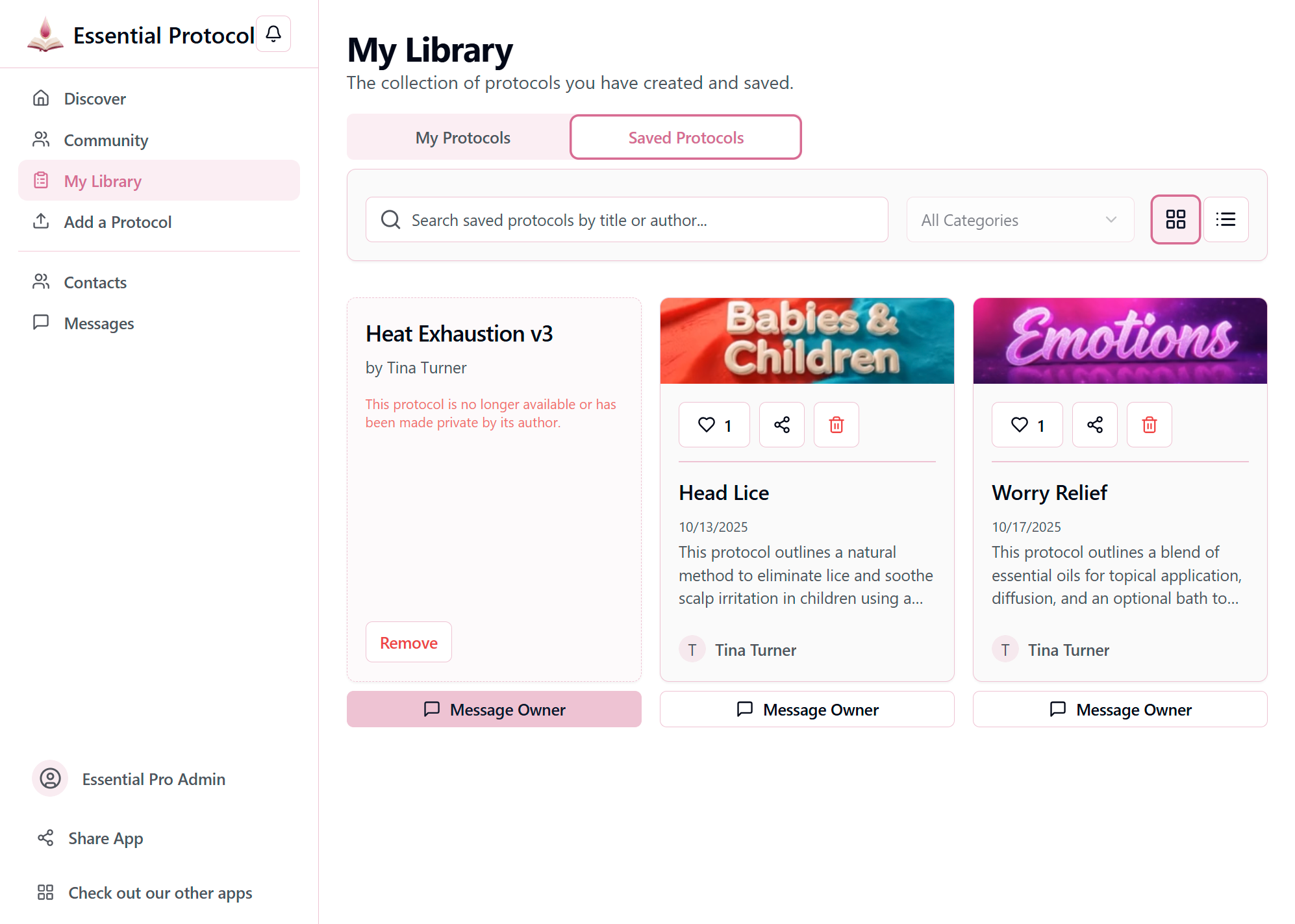
- 3Click anywhere on a protocol card to open and view the full details
Pro Tip
Use the search and filter options in your Saved Protocols tab to quickly find specific protocols in your library.
There's no limit to how many protocols you can save. Build your personal wellness library!