
Sharing protocols is a great way to help friends, family, or wellness community members discover helpful solutions. When you share a protocol, you're creating a direct link that makes it easy for anyone to access the full protocol details.
How to Share a Protocol
- 1Open the protocol you want to share
- 2Click the Share Icon on the protocol card
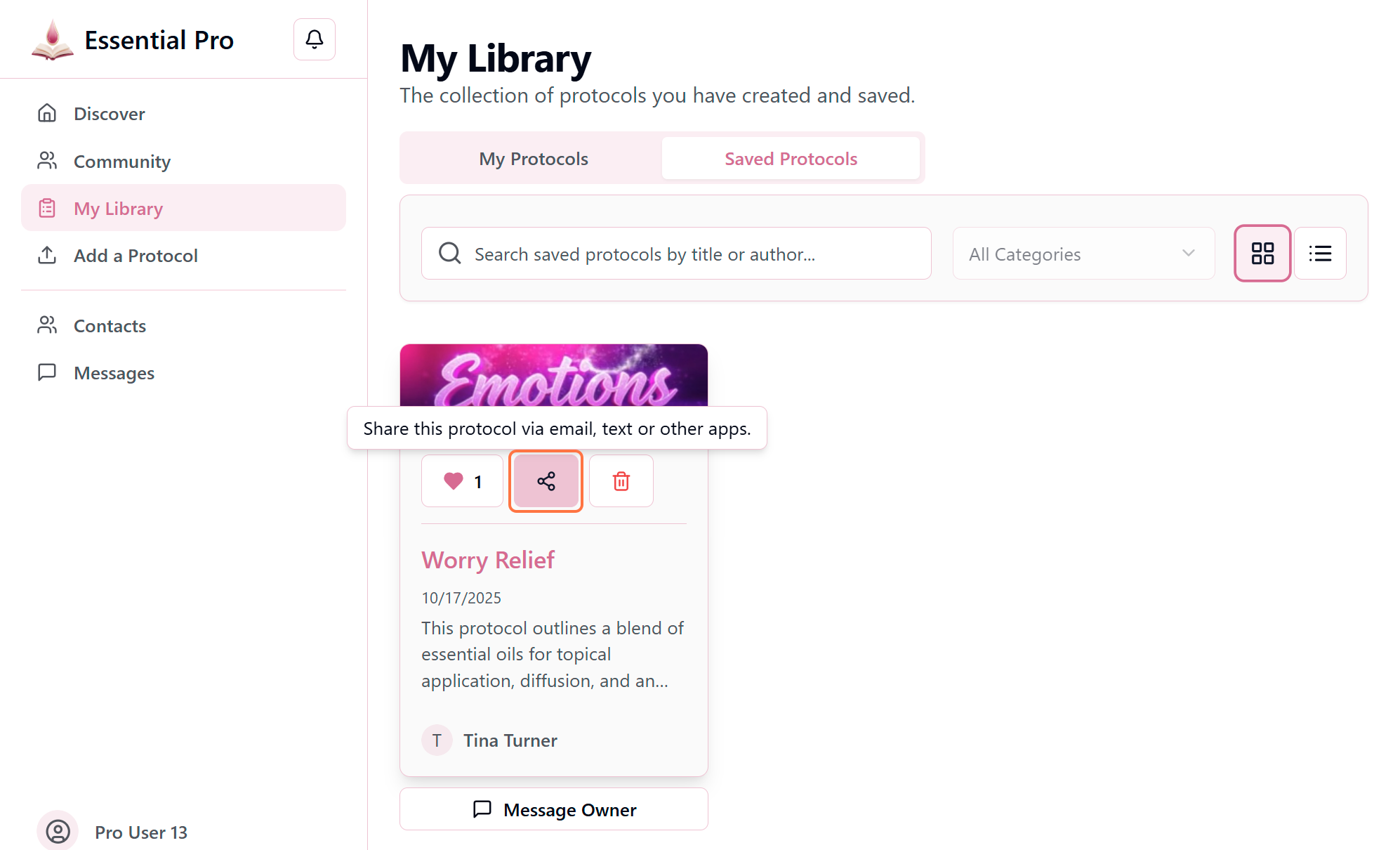
- 3Select your preferred sharing method (email, text message, social media, or copy link)
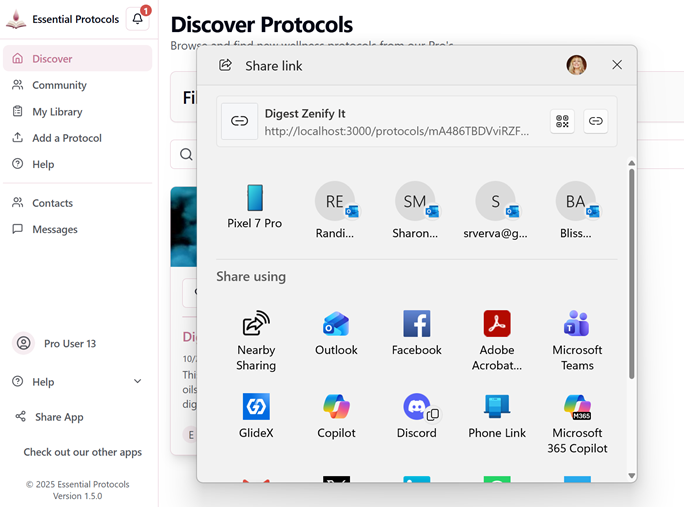
- 4Complete the sharing action in your chosen app or service
Important
Available Sharing Methods
The sharing options available to you will vary based on your device, browser, and installed apps. Common options include:
Share directly via your default email client with a clickable link in the message body.
💬 Text/SMS
Send the protocol link via text message to anyone in your contacts.
📱 Social Media
Share on Facebook, Twitter, WhatsApp, or other connected social platforms.
🔗 Copy Link
Copy the protocol URL to your clipboard to paste anywhere you choose.
Pro Tip
Privacy & Visibility
You can only share protocols that are marked as "Public" or "Shareable Link" by their author. Private protocols cannot be shared. If you're a Pro user managing your own protocols, you can control sharing permissions in the visibility settings.