
Protocols on the Discover page are sorted by most recent and then most liked. This helps you explore new protocols and prioritize them according to how popular they are.
Using the Search Bar
- 1Click in the Search Bar at the top of the Discover page
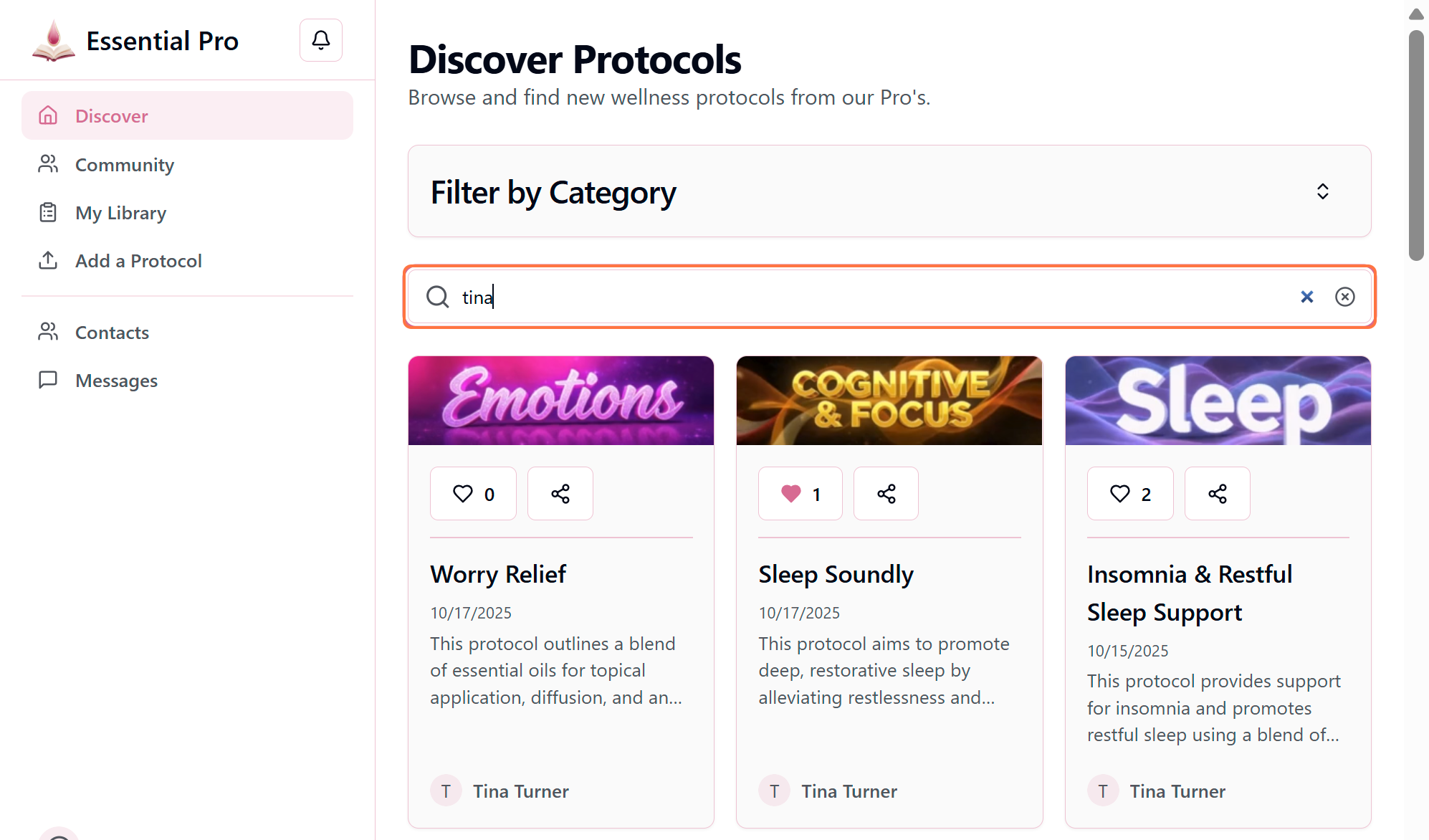
- 2Type your search criteria (you can search by Title, Author, or a phrase)
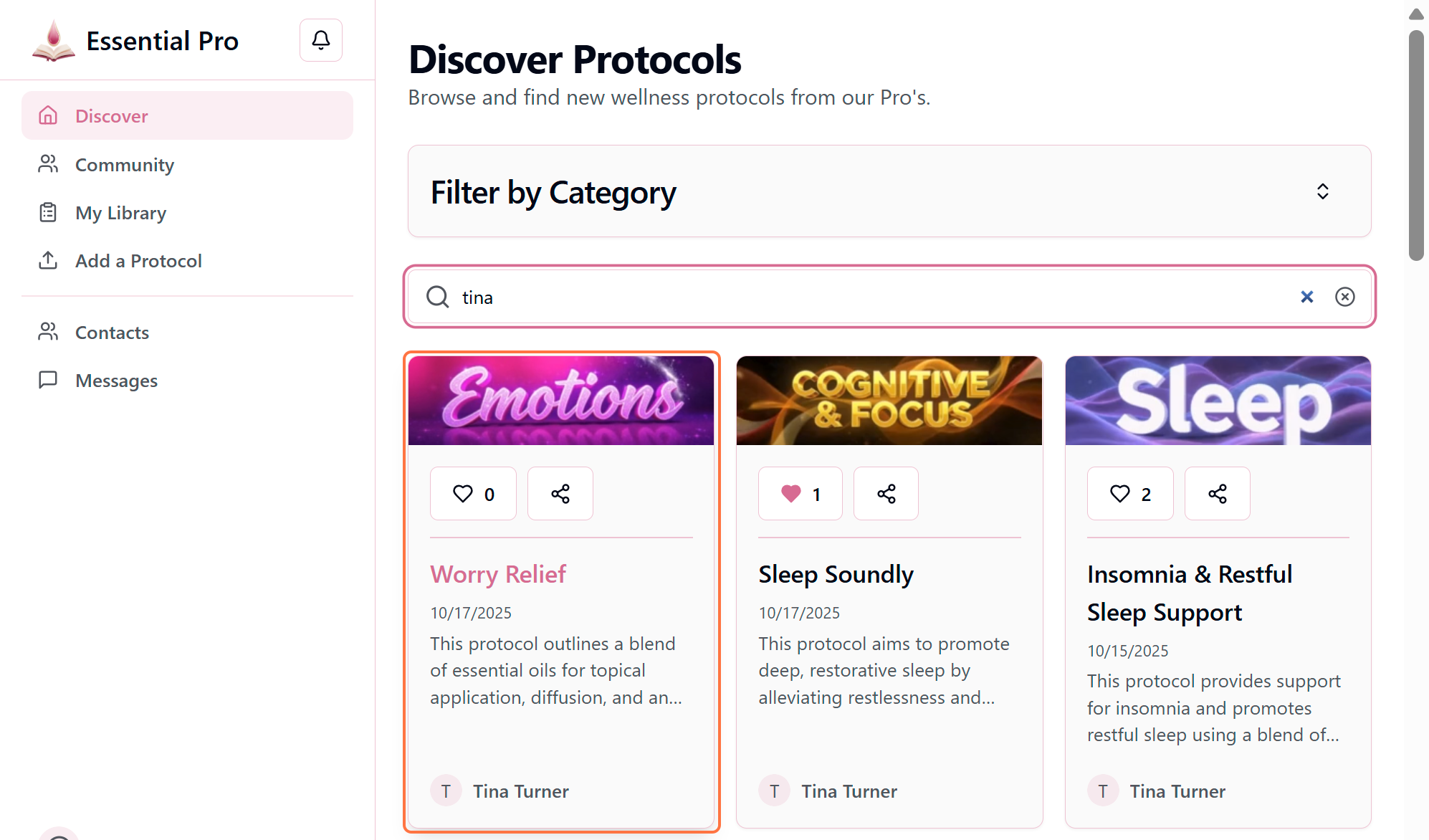
- 3Results will appear automatically as you type
Search Tips
Each protocol is tagged with keywords to provide optimal results. Try searching for:
- • Specific oils (e.g., "lavender", "peppermint")
- • Conditions (e.g., "sleep", "headache", "stress")
- • Author names
- • Protocol types (e.g., "diffuser blend")
Opening a Protocol
Once you've found a protocol you're interested in, click anywhere on the protocol card to open and view the full details.