
Liking a protocol is a simple way to show appreciation to the author and help other users discover quality content. When you like a protocol, it helps boost its visibility on the Discover page, making it easier for others to find helpful wellness solutions.
How to Like a Protocol
- 1Find a protocol you want to like on the Discover page or in your Saved Protocols
- 2Click the Heart Icon on the protocol card
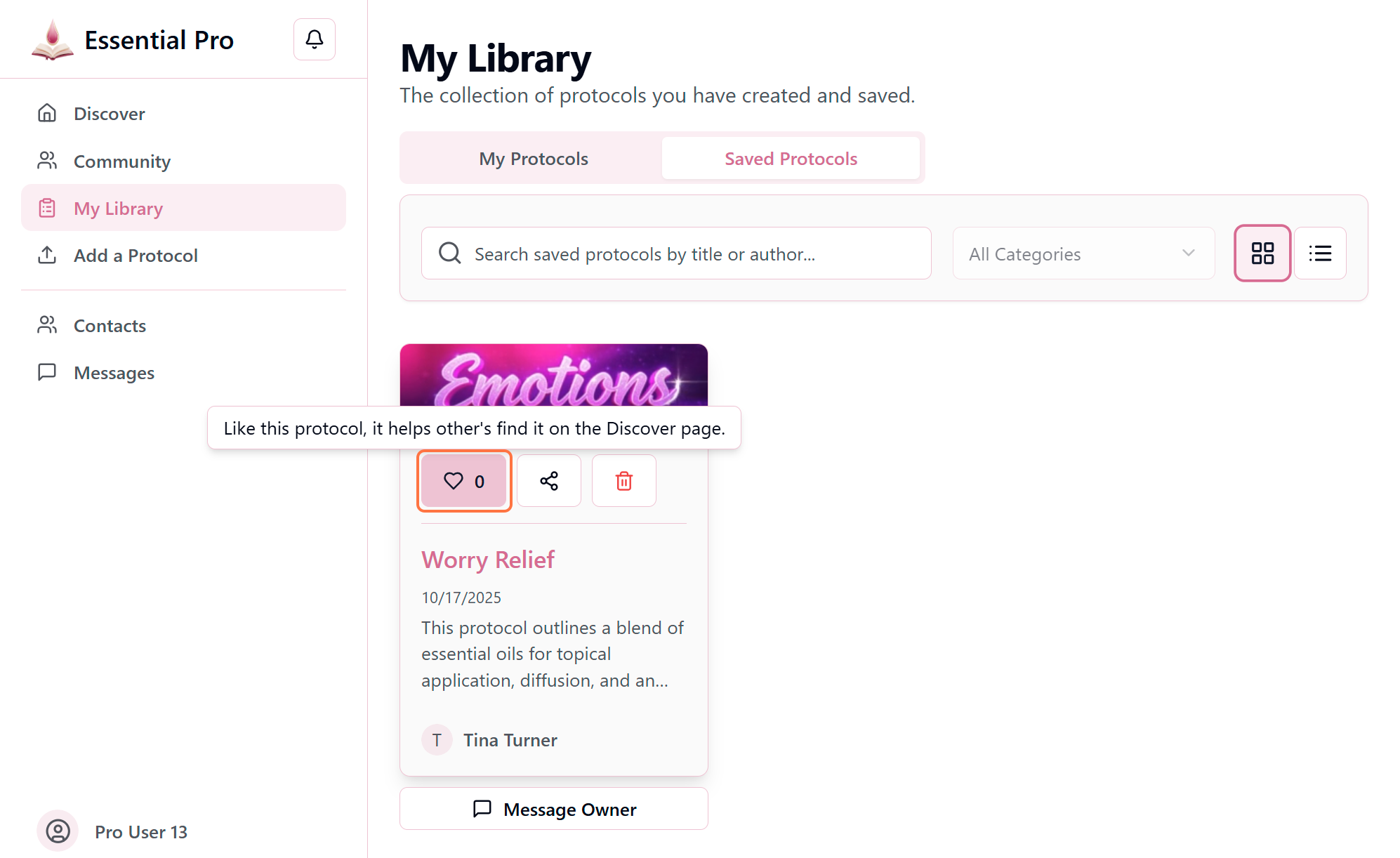
- 3The heart icon will turn solid pink to confirm your like has been recorded
Pro Tip
Your likes help the community! Protocols with more likes appear higher in search results, making it easier for others to discover trusted wellness solutions.
Unlike a Protocol
Changed your mind? Simply click the heart icon again to remove your like. The icon will return to its outline state.
What happens when you like a protocol:
- The protocol's like count increases by one
- The author receives a notification (if they have notifications enabled)
- The protocol may rank higher in discovery results
- The heart icon shows as filled on all your devices
Why Likes Matter
The like system helps build a quality-driven community. Protocols with consistent positive engagement rise to the top, ensuring the most helpful and trusted content is easily accessible to everyone. Your likes contribute to this community-driven curation!