
The paste from clipboard feature is perfect when you've created a protocol in another application or received one via text/email. Simply copy the content and paste it directly into Essential Protocols—the AI will intelligently parse and organize the information for you.
Pro Feature
When to Use This Feature
Paste from clipboard is ideal when you have:
- Protocol content from Essential Chats that you want to save permanently
- A protocol received via email or text message
- Content from a website, PDF, or document you want to import
- A quick note or recipe you typed up elsewhere
Pro Tip
How to Paste a Protocol
- 1Copy your protocol content to your clipboard (Ctrl+C or Cmd+C)
- 2Click on "Add a Protocol" from the main menu
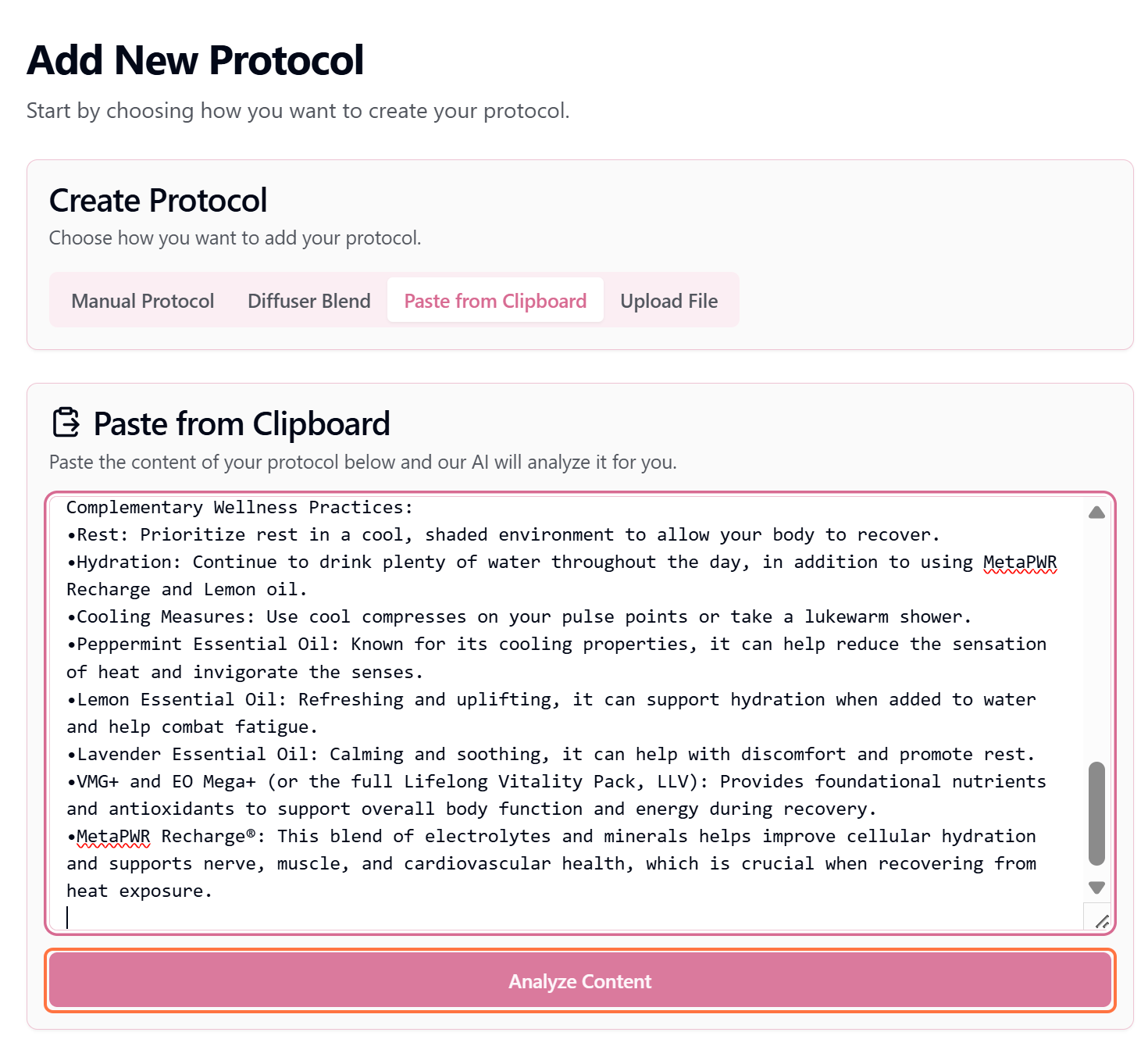
- 3Select "Paste from Clipboard"
- 4The paste area will appear—click inside and paste your content (Ctrl+V or Cmd+V)
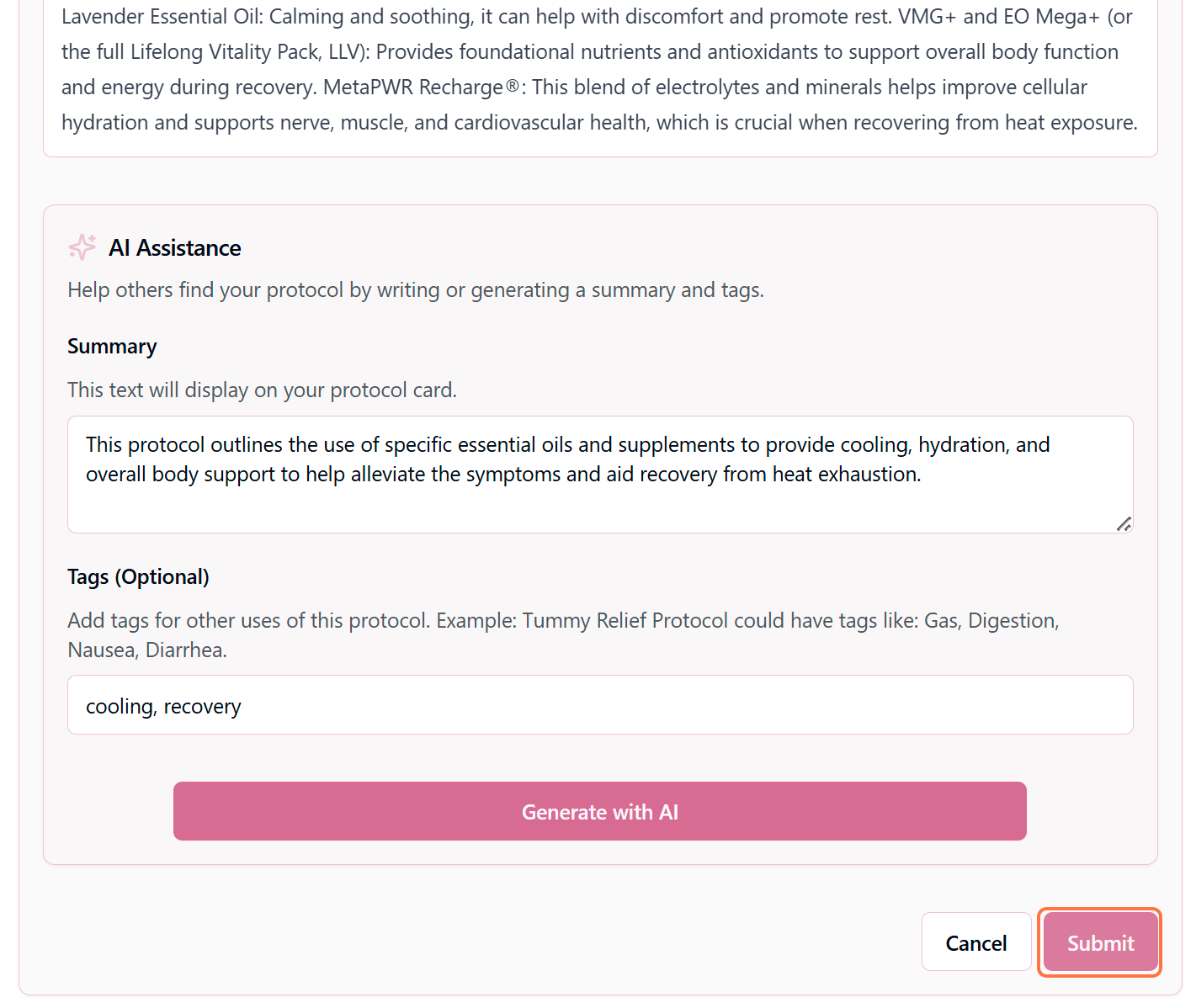
- 5Click "Process Content" to let the AI parse and organize your protocol
What Happens Next?
The AI automatically:
Identifies the protocol structure
Recognizes sections like title, ingredients, instructions, etc.
Organizes content into appropriate fields
Places each piece of information in the correct section
Suggests categories and tags
Recommends appropriate categorization based on content
Creates a summary
Generates a concise overview of the protocol
Review and Refine
After the AI processes your content, you'll see a preview of how it organized everything. At this stage you can:
- Review each field to ensure accuracy
- Edit any sections that need adjustment
- Change the suggested category or tags
- Add or remove information as needed
Tips for Best Results
✓ Do This
- Use clear section headers (Title, Ingredients, Instructions)
- Include specific measurements and amounts
- Format lists with bullet points or numbers
- Copy complete protocol information
- Use plain text when possible
✗ Avoid This
- Pasting only fragments of a protocol
- Including lots of unrelated text
- Using unusual formatting or symbols
- Copying from image-heavy sources
- Pasting multiple protocols at once
Example: Good Content to Paste
Sleep Support Roller Blend
Purpose: Promotes calm and restful sleep
Ingredients:
- - 10 drops Lavender
- - 5 drops Cedarwood
- - 3 drops Roman Chamomile
- - Fractionated coconut oil (to fill 10ml roller)
Instructions:
Add essential oils to roller bottle. Fill remainder with carrier oil. Apply to wrists, temples, and bottom of feet before bed.
Safety: Safe for ages 6+. Avoid during first trimester.
After Pasting
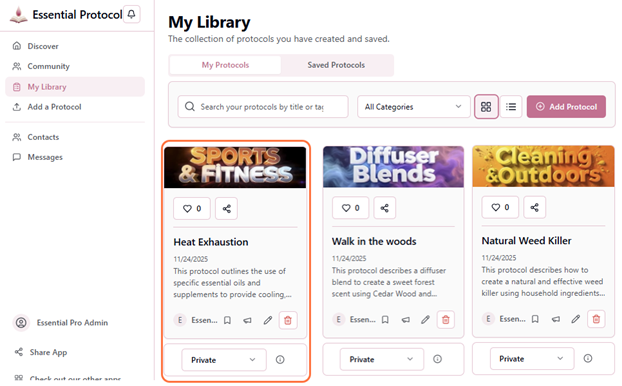
Once saved, your protocol will appear in "My Protocols" just like any manually created protocol. You can edit it, change visibility settings, and manage it the same way. The paste feature simply saves you time on data entry!